Temps d'écran après une commotion cérébrale : un plan de retour
Un plan étape par étape de retour aux écrans pour la récupération après une commotion cérébrale, incluant le dosage de l'exposition et le suivi des symptômes.
EyeRehab - VOR Training Team
Publié le 5 juin 2026
Écouter cet article
Narration Kokoro-MLX · 8 min
Réponse courte
When can screen time resume after concussion?
A step-by-step return-to-screen plan for concussion recovery, including exposure pacing and symptom tracking.
Révisé le 5 juin 2026
Understanding Why You Can’t Look at Screens After Concussion
Recovering from a brain injury is challenging enough without losing access to your primary ways of working, communicating, and relaxing. If you currently feel like you can’t look at screens after concussion, you are experiencing a very common and highly validated physiological response. The brain uses a significant amount of its energy processing visual information; after a head injury, screen time after concussion can easily overwhelm healing neural pathways, leading to immediate spikes in dizziness, headaches, and brain fog. This guide will walk you through the science behind digital eye strain concussion symptoms and provide an evidence-based, step-by-step plan to safely rebuild your screen tolerance.
Why Screens Trigger Symptoms: The Vestibular-Visual Connection
Screen use requires complex, rapid coordination between the eyes, the brain, and the vestibular (inner ear) system. Following a concussion, this system frequently becomes impaired or desynchronized.
When a computer makes concussion worse, or when phone use after head injury triggers immediate nausea, it is usually due to one of the following underlying issues:
- Vestibular-Ocular Reflex (VOR) Dysfunction: The VOR keeps your vision stable when your head moves. If this reflex is disrupted, scrolling on a screen or moving your eyes back and forth can cause the visual field to jump or blur, leading to severe dizziness.
- Convergence Insufficiency: Screens require your eyes to turn slightly inward and hold focus on a single point. Concussions often weaken the muscles responsible for this, causing immediate eye strain, headaches, and double vision.
- Sensory Overload: Bright lights, high-contrast colors, and the rapid flicker of modern screens demand high cognitive processing speed. Post-injury, the brain has fewer available resources to process this data, resulting in sensory overload.
When Can Screen Time Resume After a Concussion?
Screen time can usually be resumed within the first 24 to 48 hours after a concussion, provided it is introduced in very brief, controlled intervals and does not significantly worsen symptoms.
According to current concussion management guidelines, strict isolation in a dark room (complete cognitive and visual rest) is no longer recommended beyond the first few days. Prolonged avoidance of screens can actually hinder recovery by delaying the brain’s natural adaptation process. Instead, healthcare providers recommend a “sub-symptom threshold” approach. This means you can look at screens as long as your symptoms do not increase by more than 2 points on a standard 10-point scale. If your symptoms spike, it is your brain’s signal that you have exceeded its current energy capacity.
How to Build Tolerance if You Can’t Look at Screens After Concussion
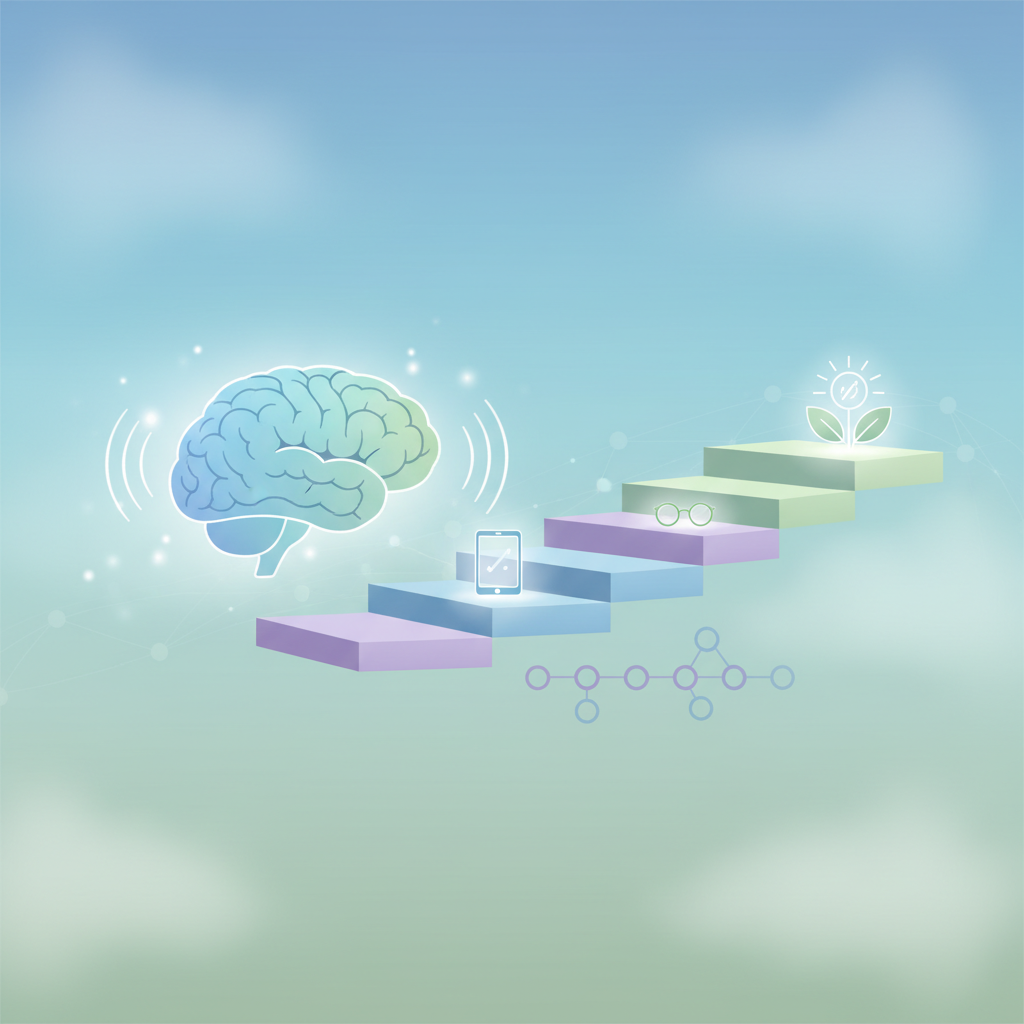
Building screen tolerance is achieved through a structured, graded exposure protocol that systematically increases visual load while monitoring physical symptoms.
Rehabilitating your screen tolerance requires patience and a deliberate progression. Here is a step-by-step return plan:
Step 1: The Baseline (Days 1–3)
- The Goal: Establish visual tolerance without triggering severe flare-ups.
- Action: Limit screen use to essential tasks only. Keep sessions under 5 to 10 minutes.
- Modification: Use audiobooks or voice-to-text features to reduce visual demand.
Step 2: Graded Exposure (Days 4–14)
- The Goal: Slowly stretch the duration of screen use.
- Action: Increase screen time by small increments (e.g., 5 additional minutes per session).
- The 20-20-20 Rule: Adapt this rule for concussion recovery. Every 10 to 15 minutes, look at an object 20 feet away for 20 seconds to allow your eye muscles to relax.
Step 3: Task Progression (Weeks 2–4)
- The Goal: Return to more complex visual tasks (reading long articles, watching videos).
- Action: Begin with static text (like an e-reader with large font). Once static text is tolerated, progress to dynamic tasks like scrolling through social media or watching videos with moderate motion.
Step 4: Targeted Vestibular Rehabilitation
If graded exposure continues to cause dizziness or eye strain, targeted exercises are often necessary to treat the root cause. Working on specific visual mechanics—such as gaze stabilization (VOR x1 and x2 exercises), smooth pursuits, and convergence training—helps retrain the brain to process visual input efficiently.
Which Screen Settings Reduce Symptom Load?
Adjusting screen brightness to match ambient room lighting, enabling dark or high-contrast modes, increasing text size, and reducing blue light emissions are the most effective settings for reducing concussion-related screen symptoms.
Tweaking your device settings can significantly lower the cognitive and visual load on your brain. Implement these changes before you begin your graded exposure:
- Brightness and Contrast: Ensure your screen is not a light source in a dark room. Use your device’s auto-brightness feature, or manually set the brightness to closely match the lighting in your surrounding environment.
- Blue Light Filters: Utilize built-in blue light filters (such as Night Shift on iOS or Eye Comfort Shield on Android) or download blue-light-filtering apps. Blue light requires high processing energy from the brain and heavily contributes to eye strain.
- Refresh Rates: If possible, use monitors with higher refresh rates (120Hz or higher). Lower refresh rates (60Hz) can produce a nearly imperceptible flicker that heavily taxes a recovering brain.
- Font Size and Backgrounds: Increase your font size to at least 14pt to reduce the convergence demand on your eyes. Use “Dark Mode” (light text on a dark background) or “Reader Mode” (which strips away moving ads and sidebars) to minimize visual clutter.
Tracking Your Progress and Visual Symptoms
Data is vital when recovering from a concussion. Because recovery is rarely linear, tracking your daily visual tolerance helps you and your healthcare provider identify patterns and adjust your return plan accordingly.
Using a symptom tracker allows you to log specific visual triggers and measure their impact. When using screens, monitor these five key symptoms:
- Dizziness or vertigo
- Headaches
- Brain fog or cognitive fatigue
- Eye strain or pain behind the eyes
- Nausea
If you notice a specific symptom consistently spiking—such as dizziness when scrolling—it is a strong indicator that your vestibular-ocular reflex requires targeted rehabilitation.
When to Seek Professional Help
If your symptoms do not gradually improve within two weeks, or if you cannot tolerate more than a few minutes of screen time without severe pain, dizziness, or nausea, it is time to consult a healthcare professional.
Vestibular specialists, physical therapists, and concussion clinics can evaluate your specific visual and balance deficits. They can prescribe customized regimens, such as Cawthorne-Cooksey training or dynamic balance training, to accelerate your recovery and safely reintegrate technology into your life.
Key Takeaways
- It is completely normal to feel like you can’t look at screens after concussion due to impaired eye coordination and vestibular dysfunction.
- Absolute screen avoidance is no longer recommended. A gradual, graded return to screen time should begin within the first few days post-injury.
- Stop screen use if your symptoms increase significantly (the sub-symptom threshold approach).
- Optimize your devices by using dark modes, blue light filters, larger fonts, and appropriate brightness levels.
- If digital eye strain persists, targeted vestibular-ocular rehabilitation (like VOR and convergence exercises) can treat the root cause of the sensitivity.
Taking the Next Step in Your Recovery
Retraining your visual and vestibular systems requires precise, consistent practice. If you are struggling with screen sensitivity, dizziness, or visual fatigue, the EyeRehab - VOR Training app is designed to guide you through the recovery process.
Our app provides clinically backed VOR x1 and x2 exercises, smooth pursuit training, and convergence routines to help stabilize your vision and reduce screen intolerance. With built-in symptom tracking and automated difficulty progression, you can safely build your tolerance from the comfort of your home. Visit your app store to download EyeRehab - VOR Training and take control of your concussion recovery today.
Medical Disclaimer: This content is for informational and educational purposes only. It is not intended to provide medical advice, diagnosis, or treatment. Always seek the advice of a qualified healthcare provider with any questions you may have regarding a medical condition or concussion recovery.
Questions fréquentes
When can screen time resume after concussion?
Use symptom patterns, safety, and day-to-day function to decide the next step. Seek urgent care for danger signs, and ask a qualified clinician for guidance when symptoms are worsening, unsafe, unusual, or not improving.
How do you build screen tolerance?
Use symptom patterns, safety, and day-to-day function to decide the next step. Seek urgent care for danger signs, and ask a qualified clinician for guidance when symptoms are worsening, unsafe, unusual, or not improving.
Which screen settings reduce symptom load?
Use symptom patterns, safety, and day-to-day function to decide the next step. Seek urgent care for danger signs, and ask a qualified clinician for guidance when symptoms are worsening, unsafe, unusual, or not improving.
Étiquettes
Écrit par
EyeRehab - VOR Training Team
Expert insights on vestibular rehabilitation and eye health.
Articles similaires
Les symptômes de commotion cérébrale réapparaissent à l'effort physique
Expliquer les poussées symptomatiques de commotion cérébrale liées à l'exercice, les règles de gestion du rythme, et quand la réapparition des symptômes nécessite une réévaluation.
EyeRehab - VOR Training Team
6 juillet 2026
Vision floue après une commotion cérébrale : les exercices qui aident
Un guide pratique sur la vision floue après une commotion cérébrale, comprenant les causes courantes, les catégories d'exercices et le moment opportun pour consulter afin de passer un examen ciblé.
EyeRehab - VOR Training Team
5 juin 2026
Brouillard mental après une commotion cérébrale et fatigue visuelle
Explorez comment la fatigue visuelle peut alimenter le brouillard mental après une commotion cérébrale et comment la gestion du rythme, les exercices oculaires et la gestion de la charge peuvent aider.
EyeRehab - VOR Training Team
5 juin 2026